
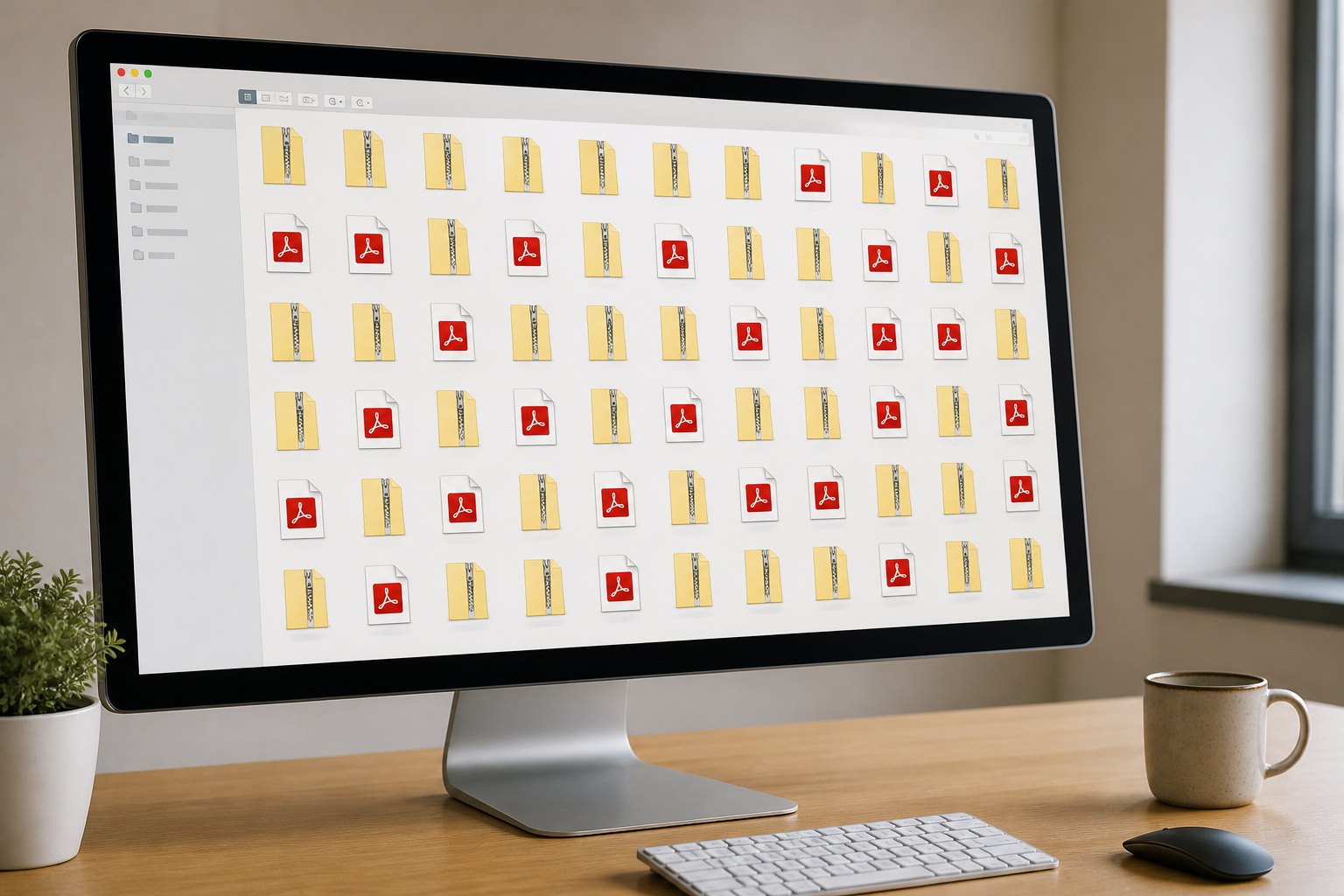
My Downloads folder is a disaster. Thousands of files named final_v2 (3).zip. What works is search: filter by extension, sort by date, jump to folder from results.
Strict folder rules last two weeks. Search-as-navigation fits messy real desktops.
Practical filters
Installer from last week? Search *.msi in Downloads, sort by modified date descending. Browser names rarely appear in filenames — date narrows fast.
For duplicates — same name, same size — sort together and delete the copy you don't need.
Why I index Downloads
Some exclude it to keep indexes clean. I include it because that's where lost things go. Excluding saves a few thousand entries and costs minutes every time someone asks where the driver package went.
See also: How I stopped losing files on a messy hard drive, Why filename search beats full-text for daily work.